


How to Install MT4/MT5 on Windows VPS
Introduction to MT4 and MT5
If you are new to online trading, you have probably heard of MetaTrader 4 (MT4) and MetaTrader 5 (MT5).
These are powerful forex trading platforms used by millions of traders worldwide.
- MetaTrader 4 (MT4) – Ideal for forex traders.
Known for its user-friendly interface, fast execution, and strong security, MT4 allows you to trade currencies, commodities, and cryptocurrencies. You can also practice with a demo account before trading live.
Available in multiple languages, MT4 is suitable for both beginners and experienced traders. - MetaTrader 5 (MT5) – A more versatile platform.
MT5 supports trading not only in forex but also in stocks, futures, and CFDs. It offers advanced charting tools, automated trading with Expert Advisors (EAs), and copy trading features.
System Requirements for MT4/MT5
Before starting the MT4 installation or MT5 installation, make sure your computer meets the following requirements:
- Dual Core processor (2GHz or higher) – Quad Core recommended
- Screen resolution: 1280×1024 or higher
- Windows XP or newer (Windows recommended)
- At least 1GB RAM (2GB per monitor for multi-monitor setups)
- Stable internet connection (DSL/Cable or better; consider a backup connection for trading reliability)
Steps to Install MT4/MT5 on Windows Forex VPS
We will use the MT5 installation as an example. The steps are the same for MT4.
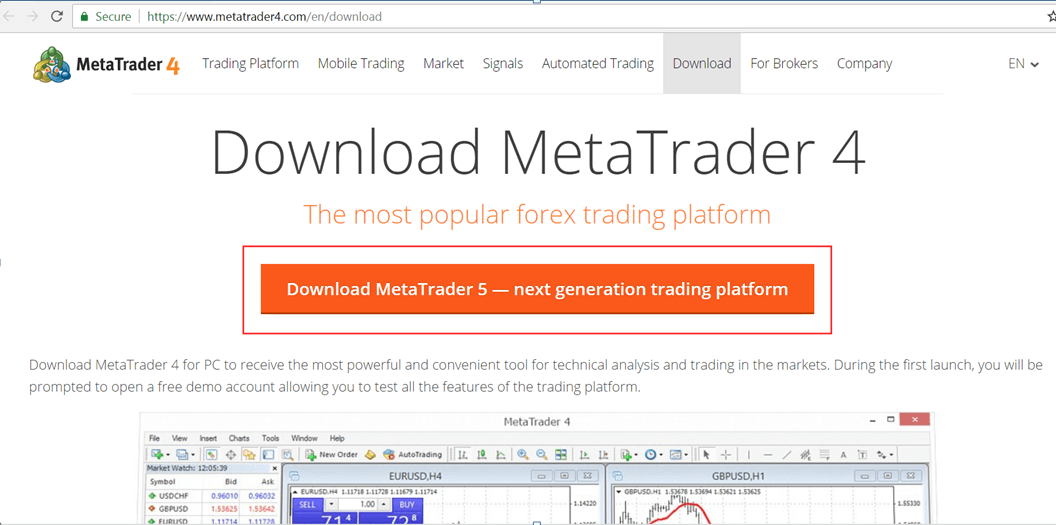
Step 1: Download MT4 or MT5
- MT4 download: https://www.metatrader4.com/en/download
- MT5 download: https://www.metatrader5.com/en/download
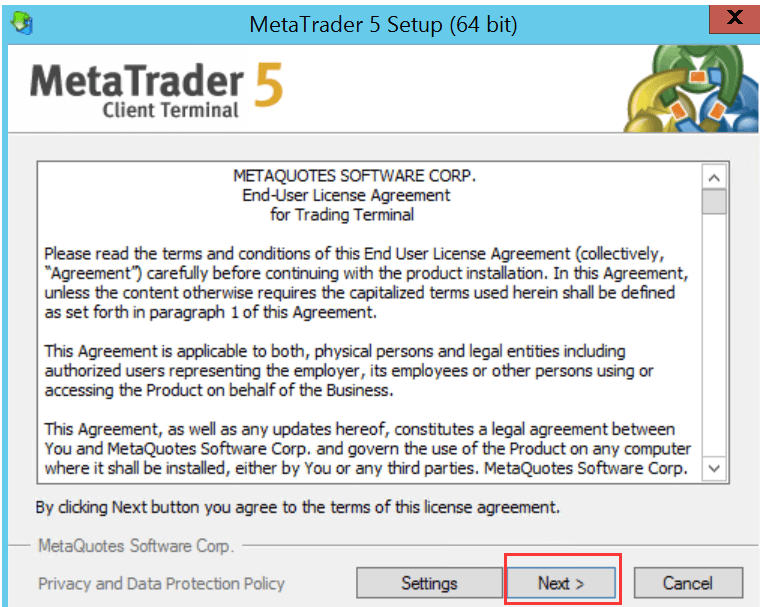
Step 2: Start the Installation
- Open the downloaded setup file
- Click Next to continue
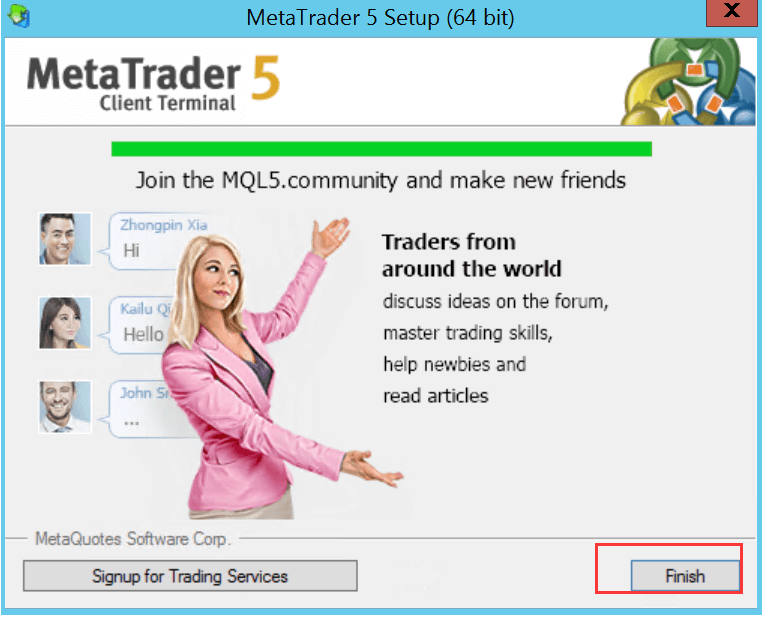
- Wait for the installation to complete
- Click Finish
Step 3: Launch the Platform
Once installed, you can log in with your broker account or open a demo account to start practicing.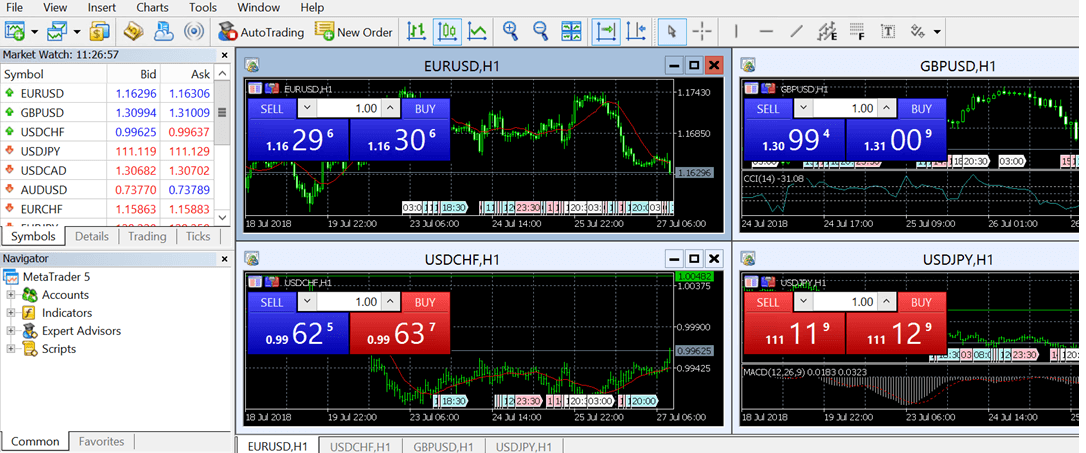
Related Resources
- MT5 tutorial and help guide: https://www.metatrader5.com/en/terminal/help/startworking
- Search on Google with keywords: how to use mt4 platform or how to use mt5 platform
Summary
Installing MT4 or MT5 on Windows is quick and beginner-friendly.
- Use the official MT4 download or MT5 download links
- Follow the installation steps
- Learn the basic functions through an MT4 tutorial or MT5 tutorial
Whether you are starting with how to install MT4 on your home PC or install MT5 on Windows VPS, these platforms are your gateway to the world of online trading.
metatrader 5 download, mt4 download, mt5 download, metatrader 4 download, mt4 installation, mt4 tutorial, forex trading platform mt4, mt5 tutorial, mt4 user manual, how to install mt4, how to install mt5, install mt5 on windows, how to install mt4 on vps